
Simplify contact with QR codes that pre-fill emails. Perfect for support, feedback, and professional business cards.
Fill in the details below and generate your QR code instantly
Manual typing creates friction. When users have to type an email address, copy-paste a subject line, or draft a request on a mobile keyboard, conversion rates drop.
An email QR code automates this work. A single scan pre-fills your address, subject line, and a standard message draft directly in their native mail application, letting scanners contact you in seconds.
Scans open the default mail client immediately, with pre-filled details ready to send.
No typos in email addresses or routing tags. Your contact details are correct every time.
Compatible with Gmail, Apple Mail, Outlook, and all default client applications across devices.
Monitor scan metrics in real-time to analyze the performance of flyers, packaging, or cards.
Bridging physical touchpoints to digital channels is essential for modern operations. Adding pre-formatted subject tags lets you route incoming tickets to the right team instantly.
Allow direct contact without typing long addresses. Simplifies professional networking during brief meetings.
Embed codes on retail labels. Pre-fill product models in the subject line to speed up ticket resolution.
Add codes to brochures or signage. Use customized tags to attribute inbound leads to specific runs.
Display code frames at physical tables. Scanners can submit direct requests using structured templates.
Simplifying the user experience reduces decision fatigue. Starting with a structured email draft encourages contacts to complete and send their messages.
Pre-configured recipient addresses eliminate typos, ensuring messages reach the correct inbox.
Built on standard open mailto protocols that work natively across iOS, Android, and desktop applications.
Pre-filled subject and body structures provide an immediate starting point, raising draft-to-send conversion.
Set up your custom inbox shortcut in less than a minute.
Specify the destination address, subject line, and base body template.
Adjust color values, select custom frames, and embed your business logo.
Download high-quality vector files in SVG or high-resolution PNG format.
Print on business cards, packaging, brochures, or share across digital assets.
Simple digital-physical integrations that work.
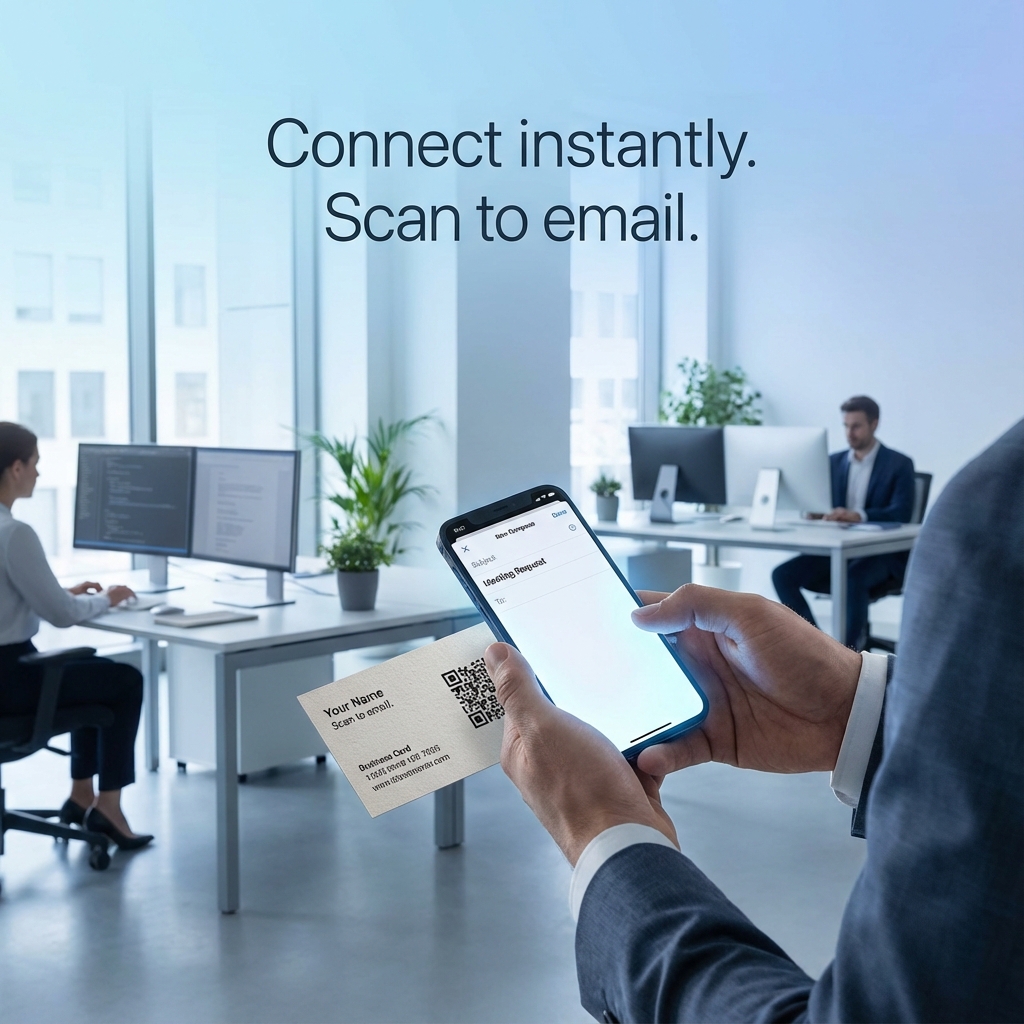
Opens the native client with recipient, subject line, and base body text ready to go.
No spelling mistakes. No searching for lost contact forms. Just scan, review, and tap send.
Answers to technical and functional questions.
It is a scannable graphic containing a standard mailto: link. When scanned, it triggers the device's native operating system to open its default mail application (such as Apple Mail, Gmail, or Outlook) with the recipient, subject, and body text pre-populated.
All of them. The QR code relies on the standard internet mailto: protocol. This means it works natively across all operating systems (iOS, Android, Windows, macOS) and opens whichever app is configured as the default client on the scanner's device.
No. You can create, download, and utilize email QR codes for free. Standard static codes do not expire and will work indefinitely.
We track scan metrics, including scan time, general location, and device type. However, we cannot track whether the user taps 'Send' inside their private email client, as that action takes place entirely within their local application for security and privacy.
Yes, if you generate a dynamic QR code. Dynamic codes route scanners through a short link that can be updated in your JMPY dashboard at any time without changing or reprinting the physical QR code graphic.
Use clear, concise subject lines to help route incoming emails—for example, 'Support Request [Model X]'. For the body text, write an open-ended prompt like 'Hi team, I would like to learn more about...' to help scanners complete their message quickly.
Start creating direct, error-free customer connections today.